
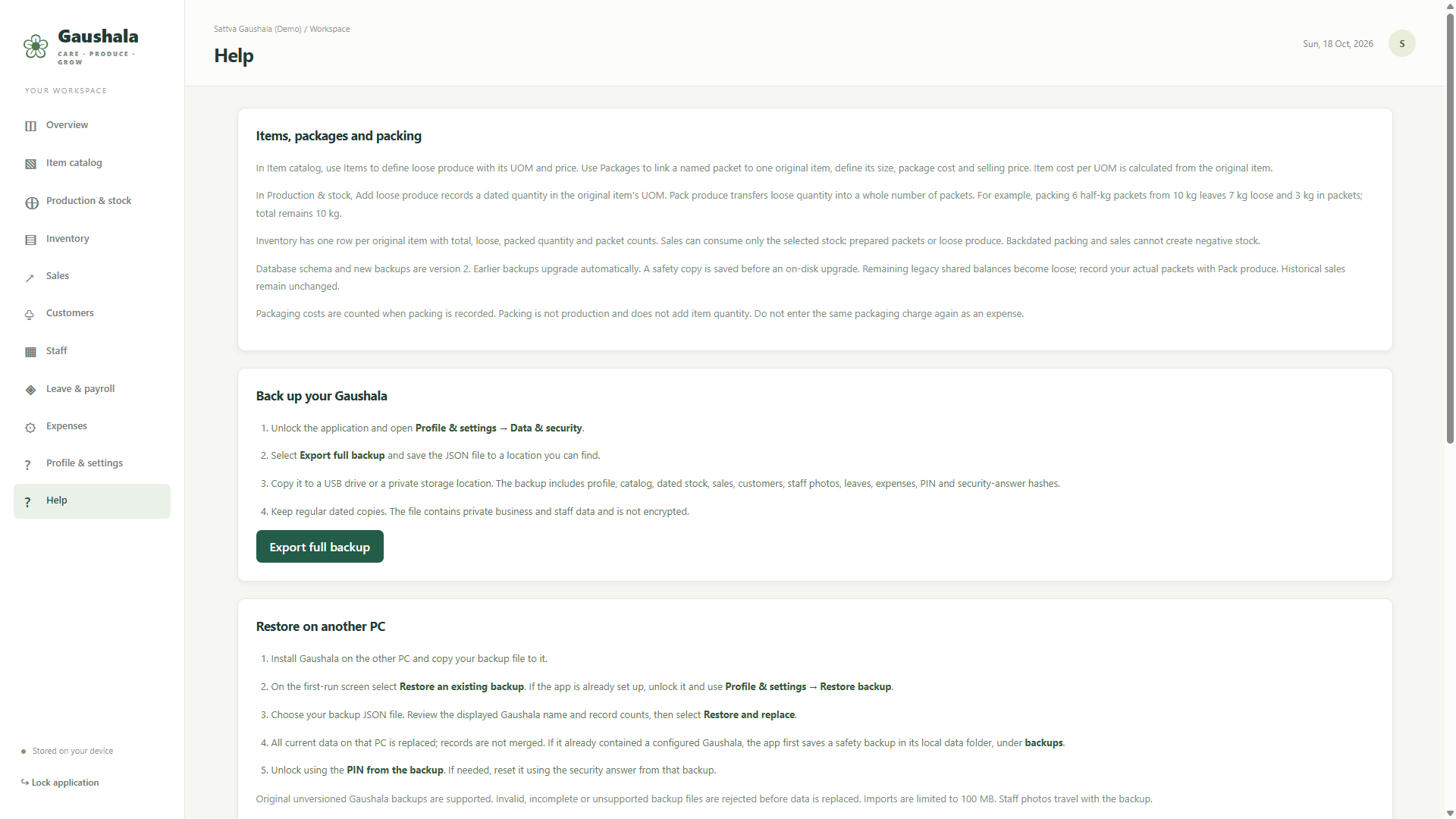
Produce & purchases
A dated record of every addition.
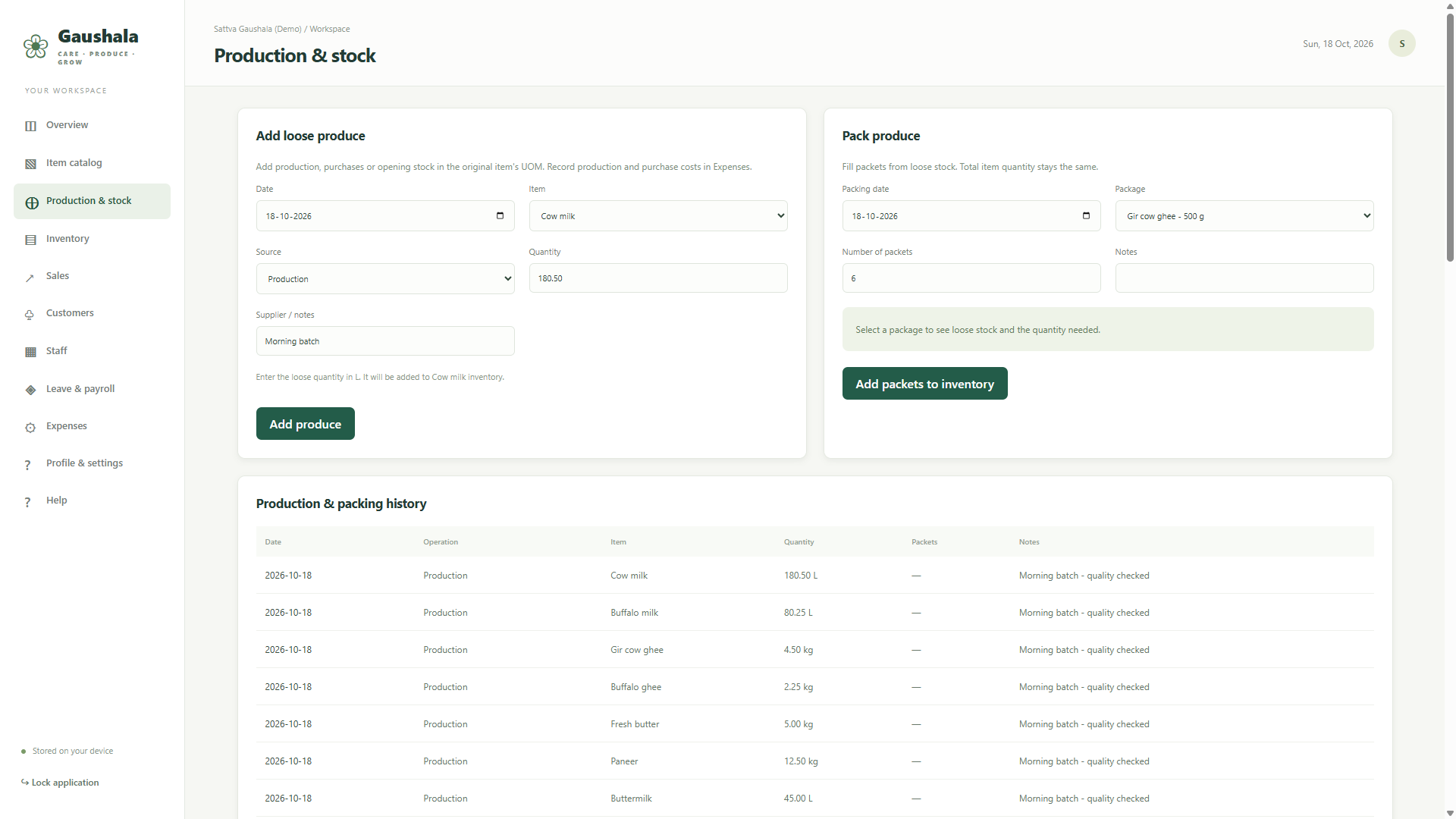
Record milk, ghee, butter, cheese, buttermilk and other produce in kg, litres or pieces. Keep production, purchases and opening stock distinct; record their costs in Expenses.
 GAUSHALA Windows desktop application
From the morning's milk to the day's sales. Bring produce, inventory, people and expenses together in one offline workspace for your Gaushala.
Pack it. Sell it. Keep every quantity in sync.
Explore real screens from Gaushala, from produce and packing to checkout and payroll. All records shown are fictional demonstration data.
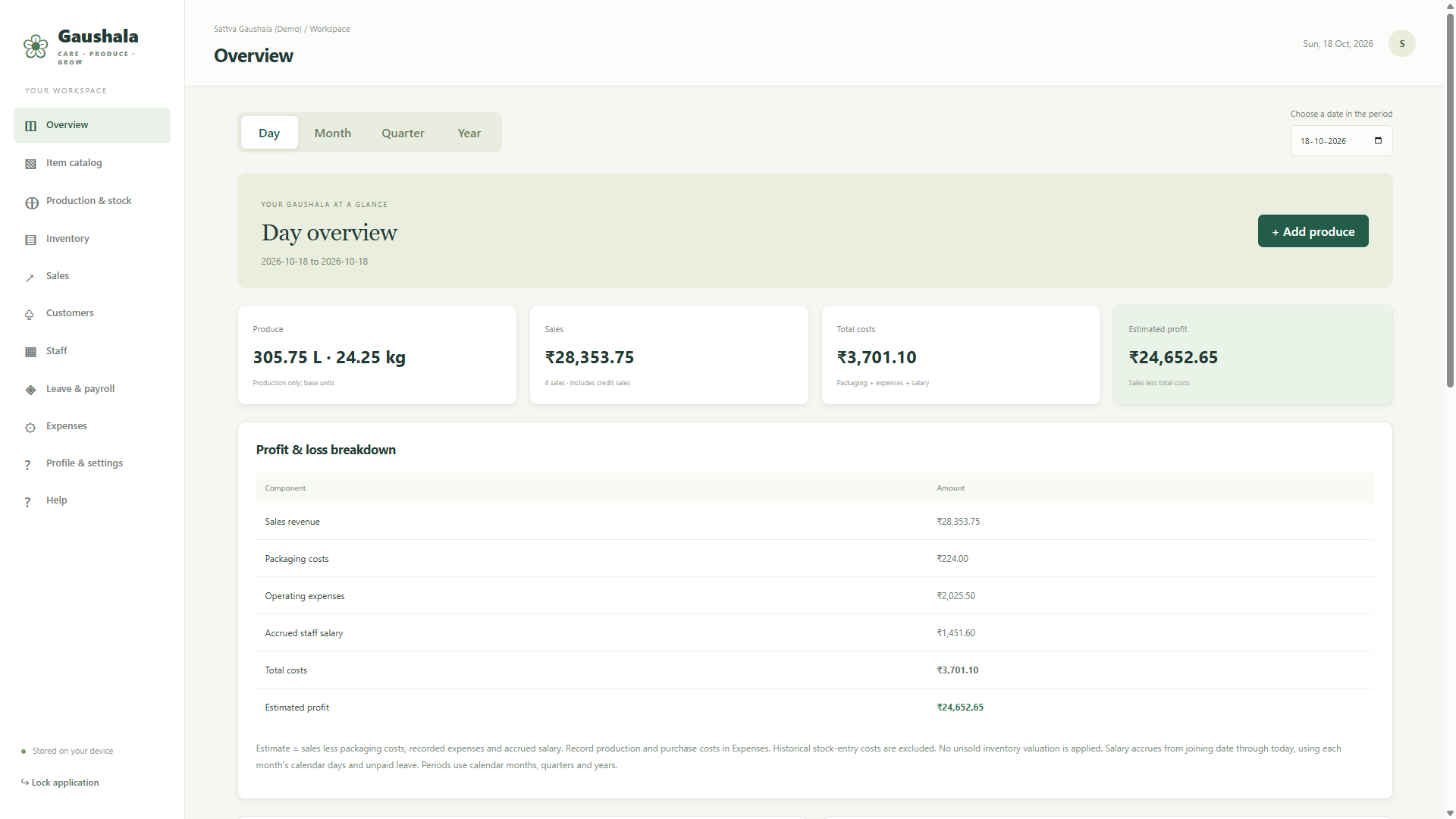
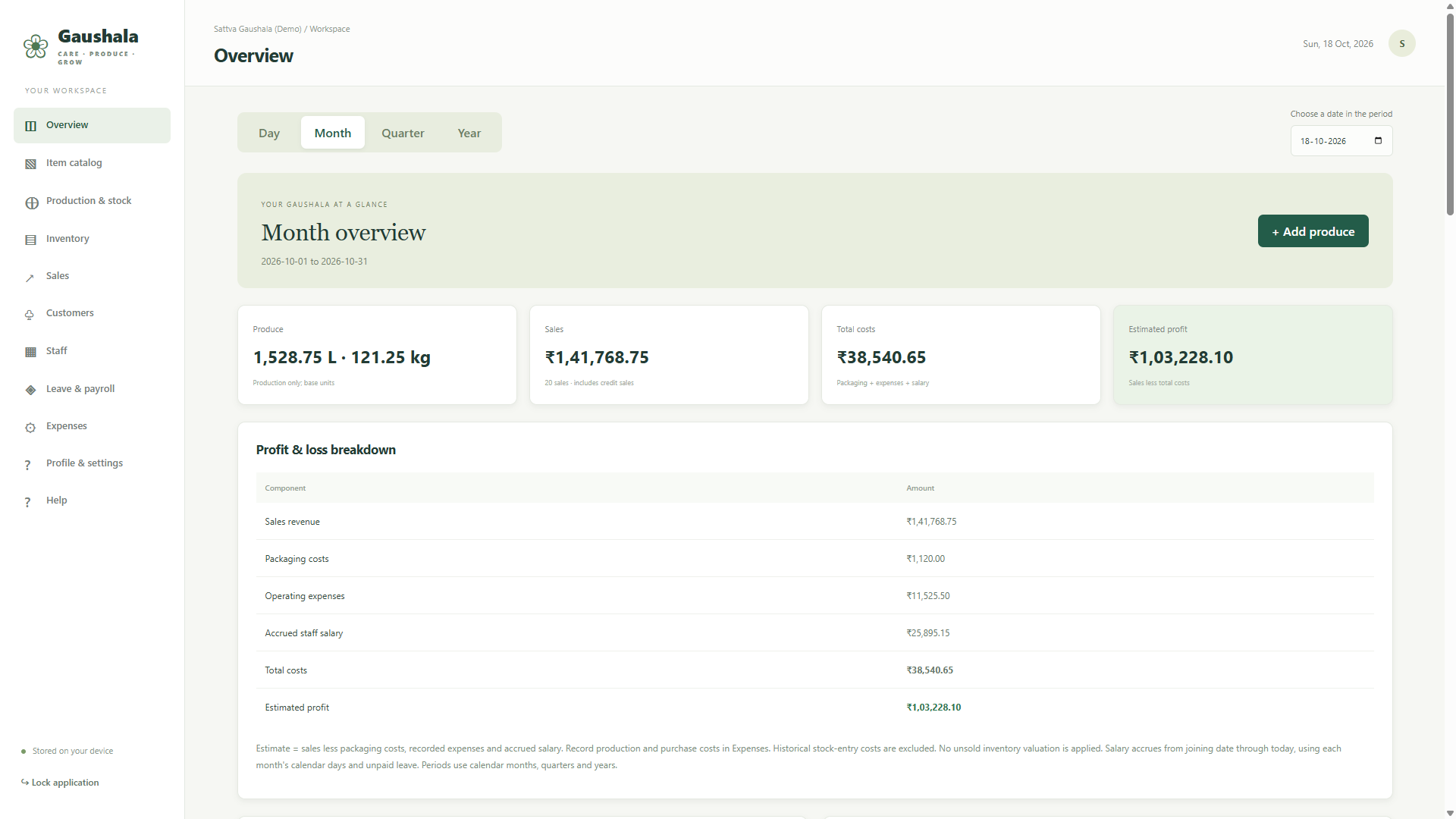
Production, sales, expenses and estimated profit for a day.
14 application screens · Select a thumbnail to explore · Browse or download all screenshots
Built around the way a Gaushala works: produce comes in, some is packed, sales go out, and every day has costs to track.
Record milk, ghee, butter, cheese, buttermilk and other produce in kg, litres or pieces. Keep production, purchases and opening stock distinct; record their costs in Expenses.
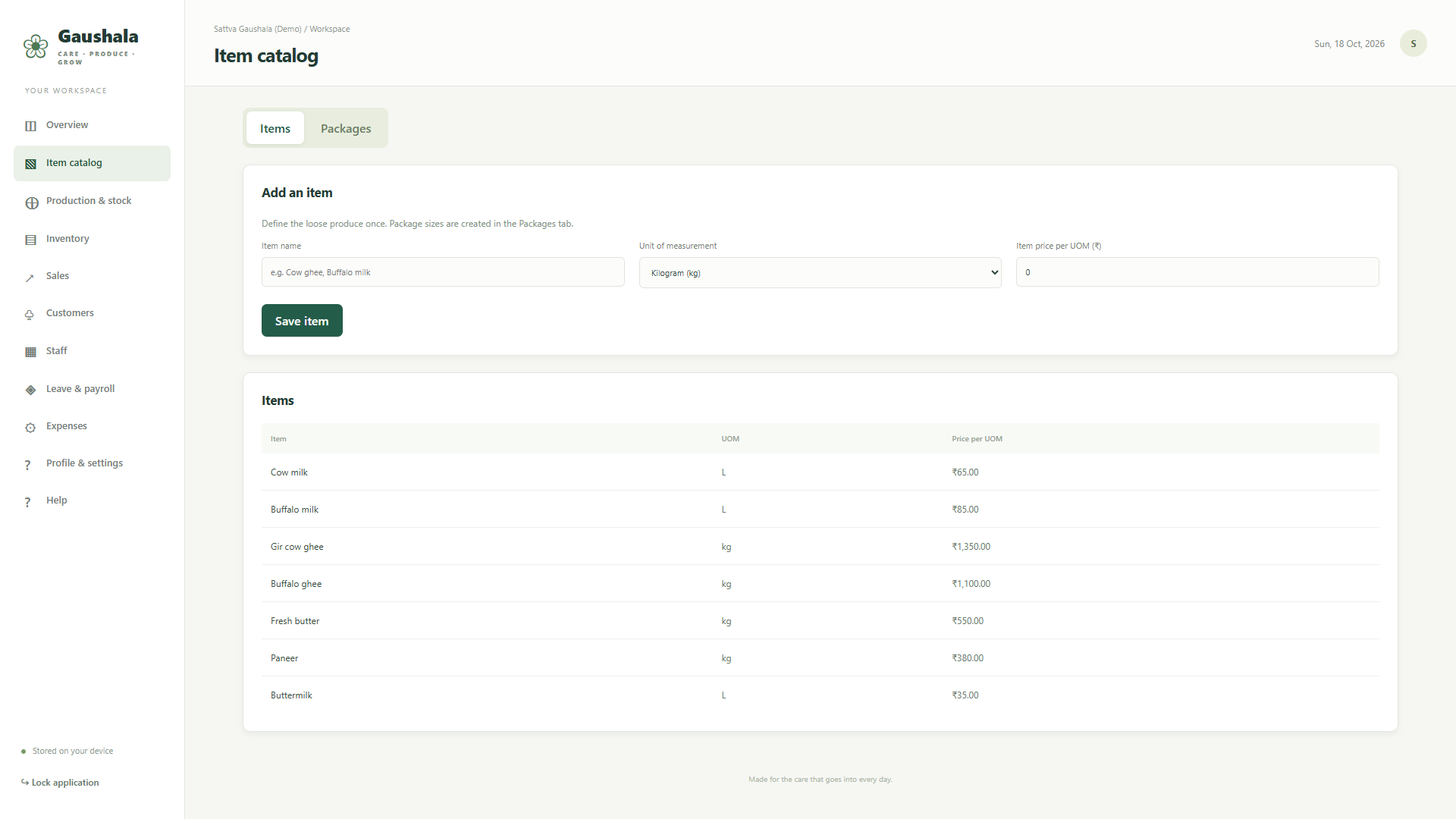
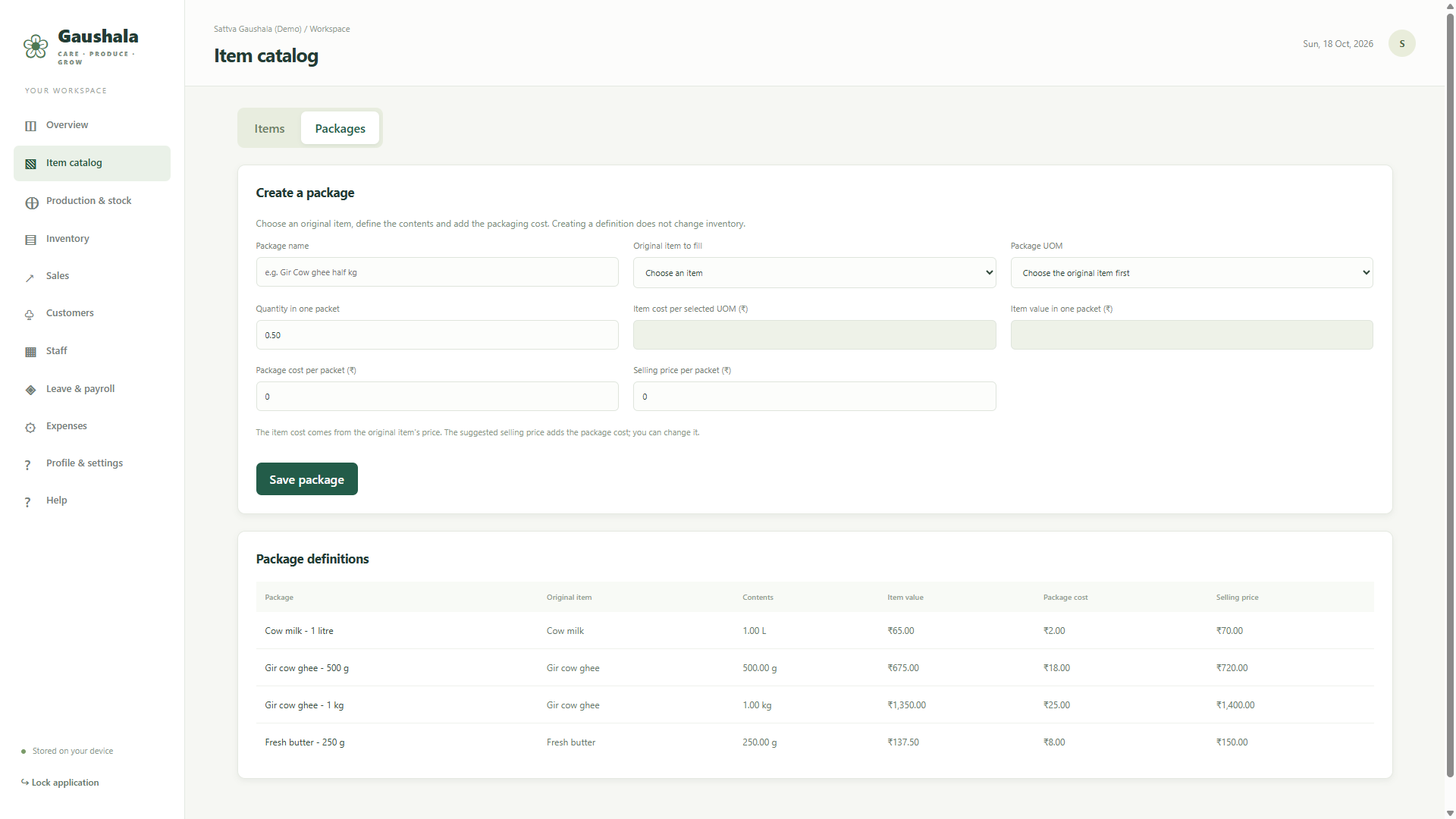
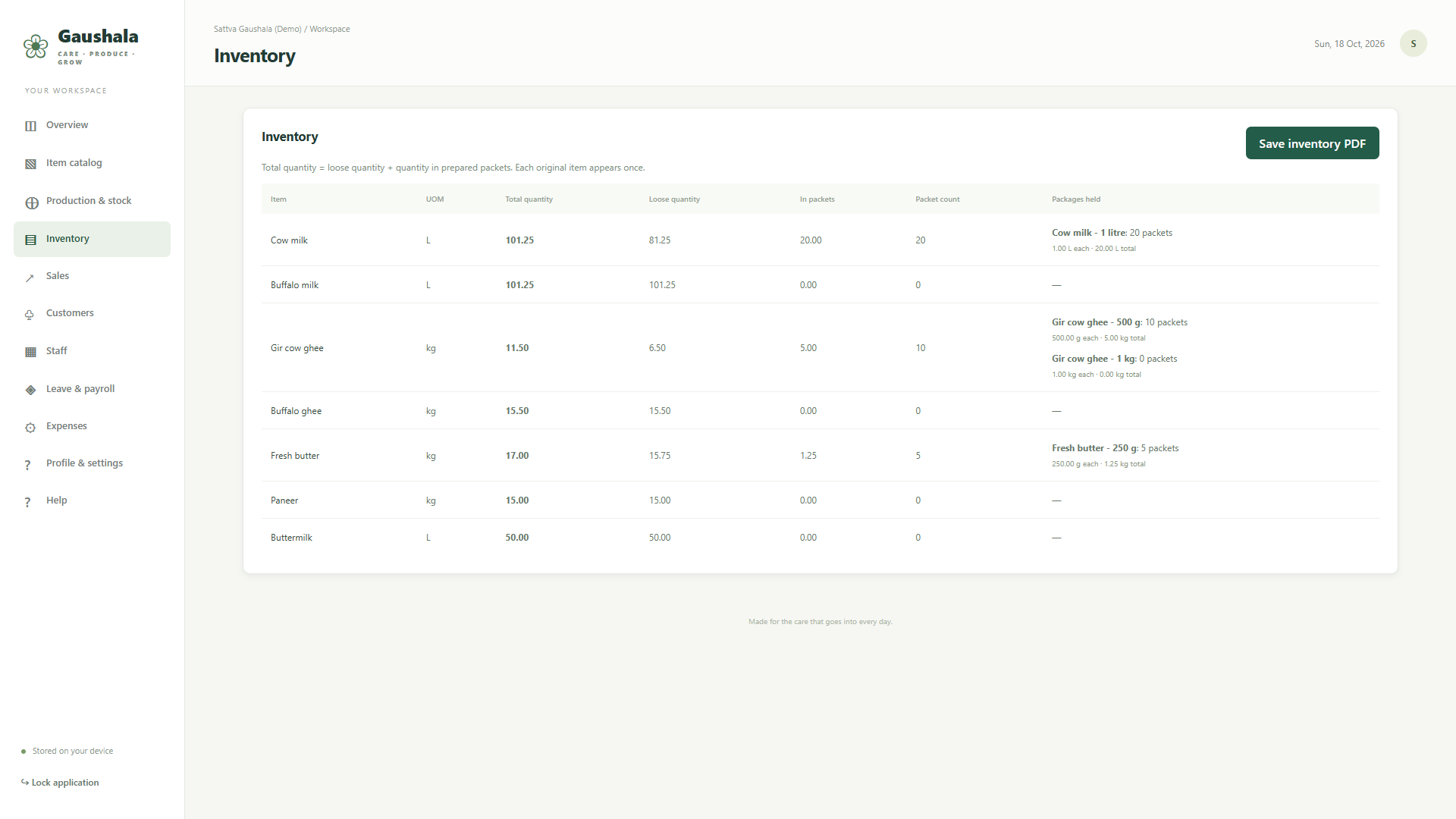
Define original items once, then create package sizes and prices. Packing moves produce from loose stock into packets, keeping the total unchanged.
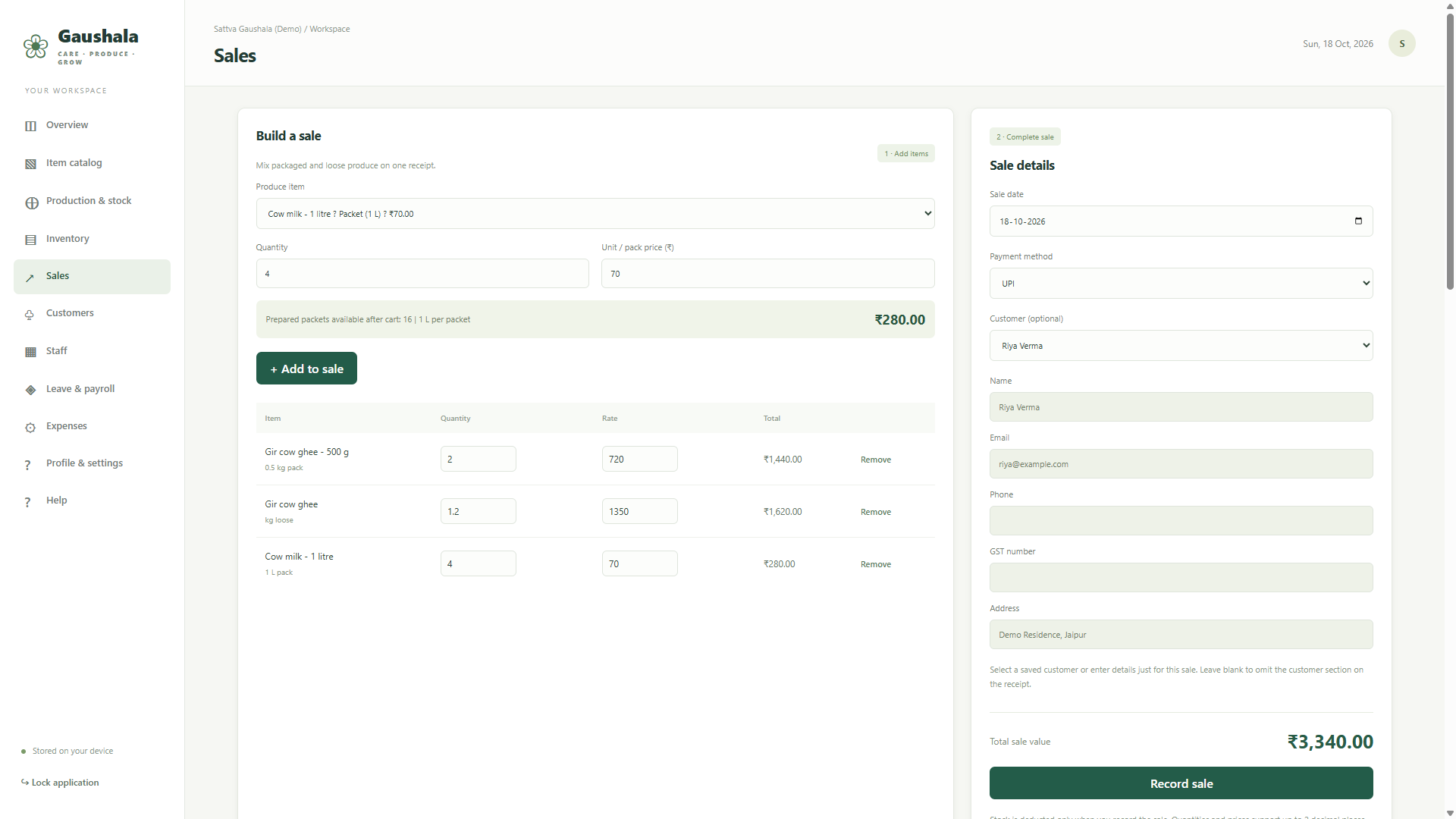
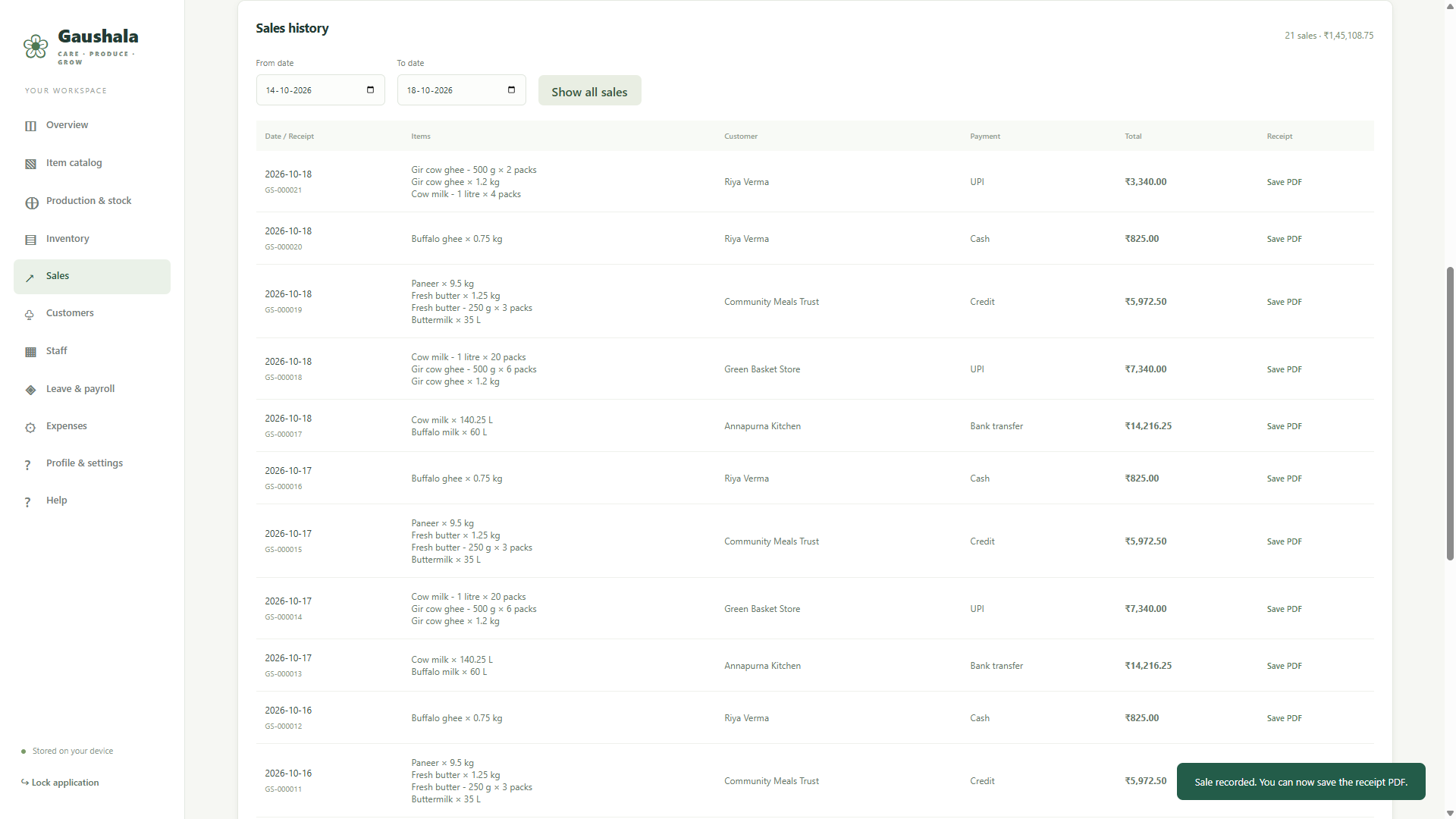
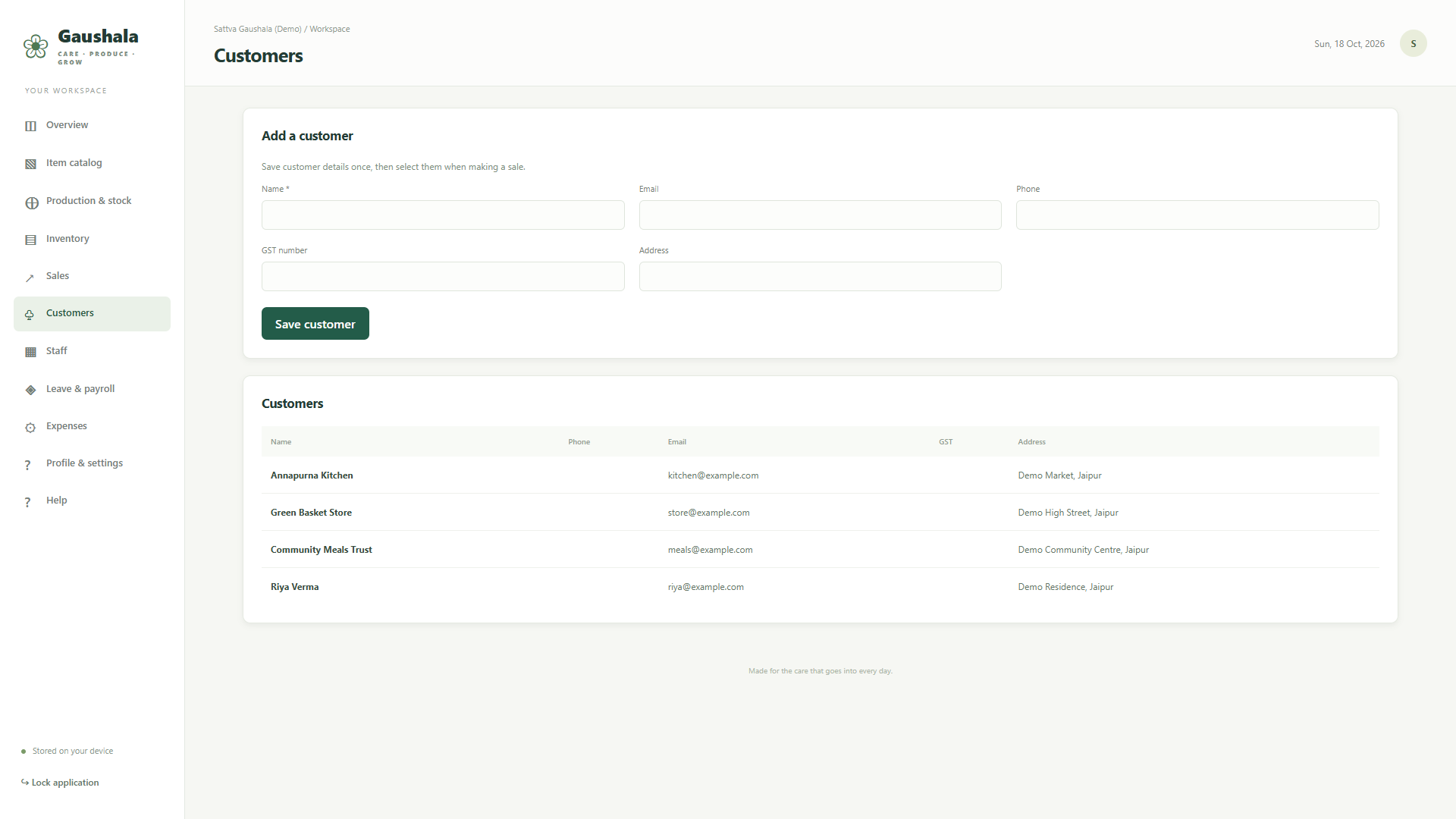
Combine loose quantities and prepared packets in a sale. Select a customer, enter one-time details or leave them blank. Checkout updates the appropriate stock automatically.
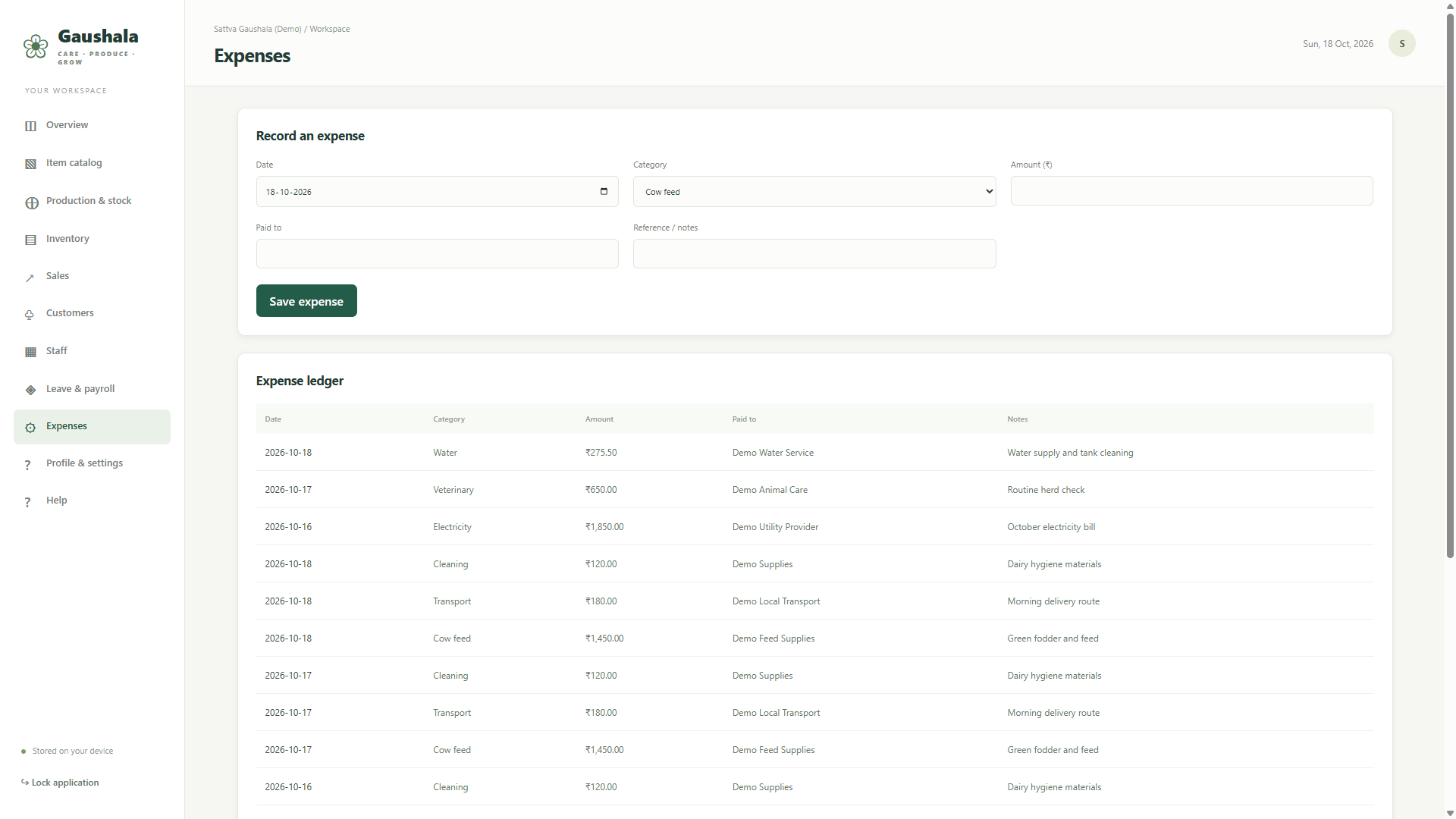
Record feed, utilities, cleaning, purchases and other costs by date. Review produce, sales, expenses and estimated profit or loss by day, month, quarter or year.
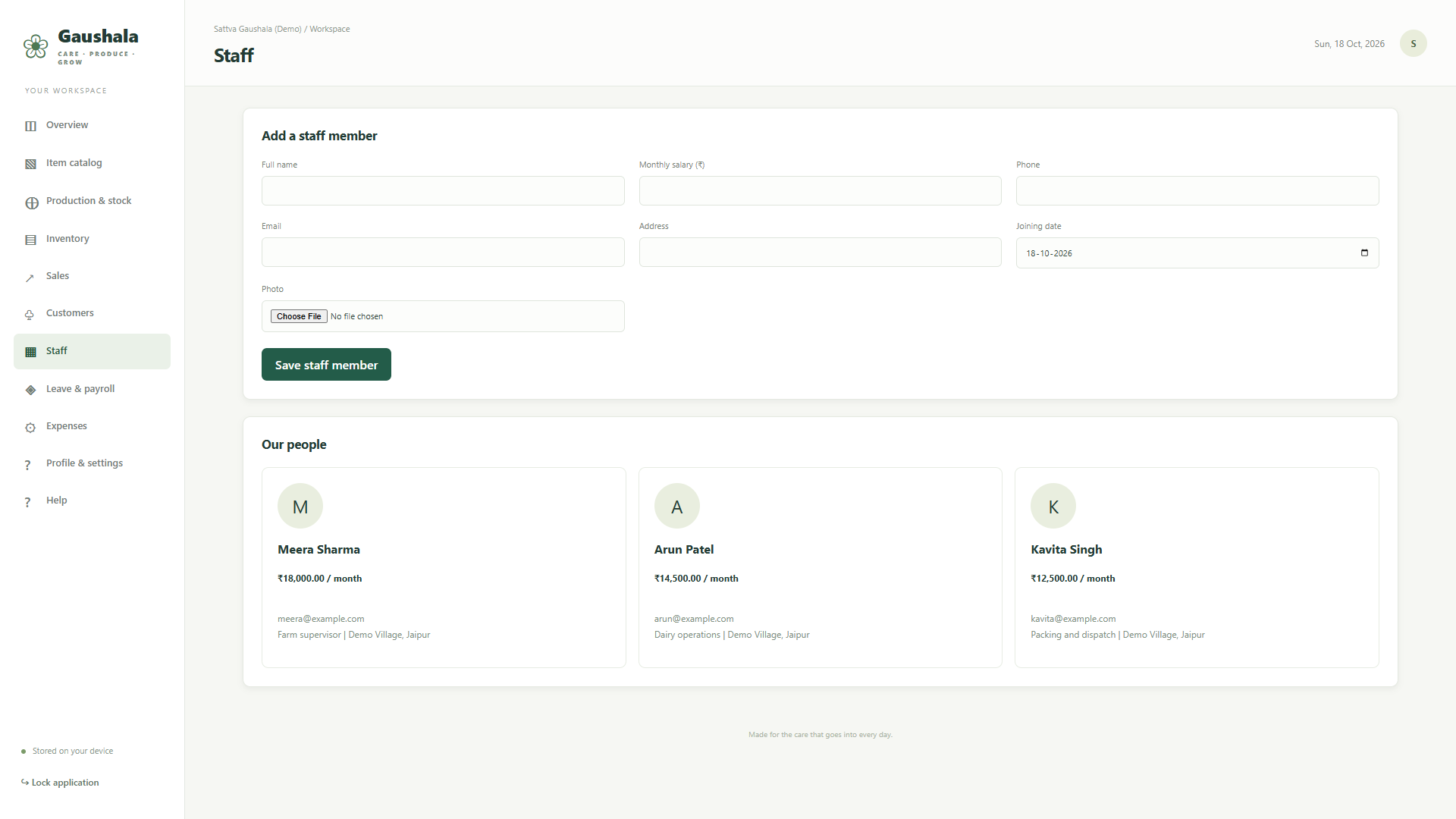
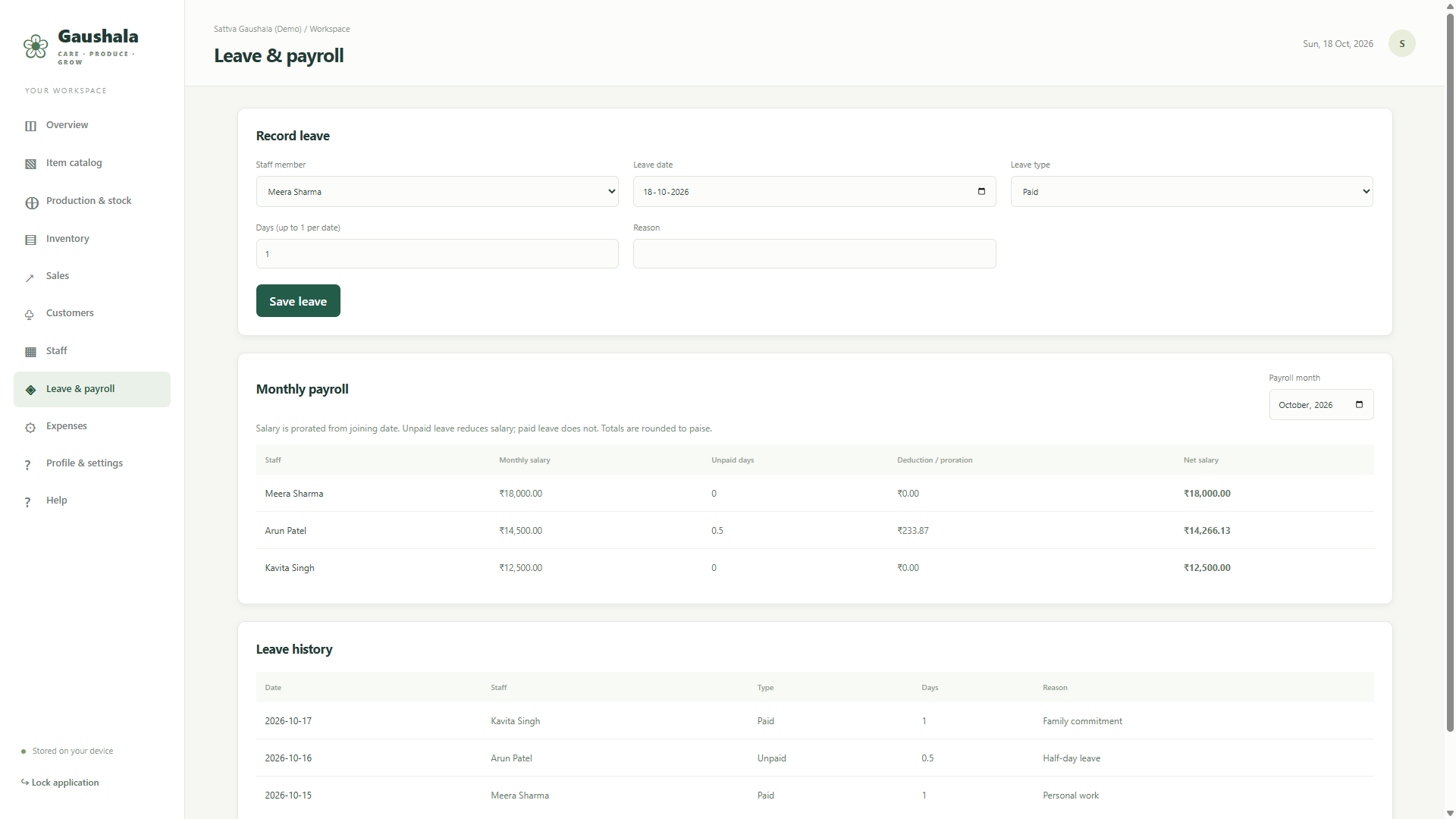
Store staff contact details and photos, define monthly salaries, and track paid and unpaid leave. Salary calculations account for unpaid leave.
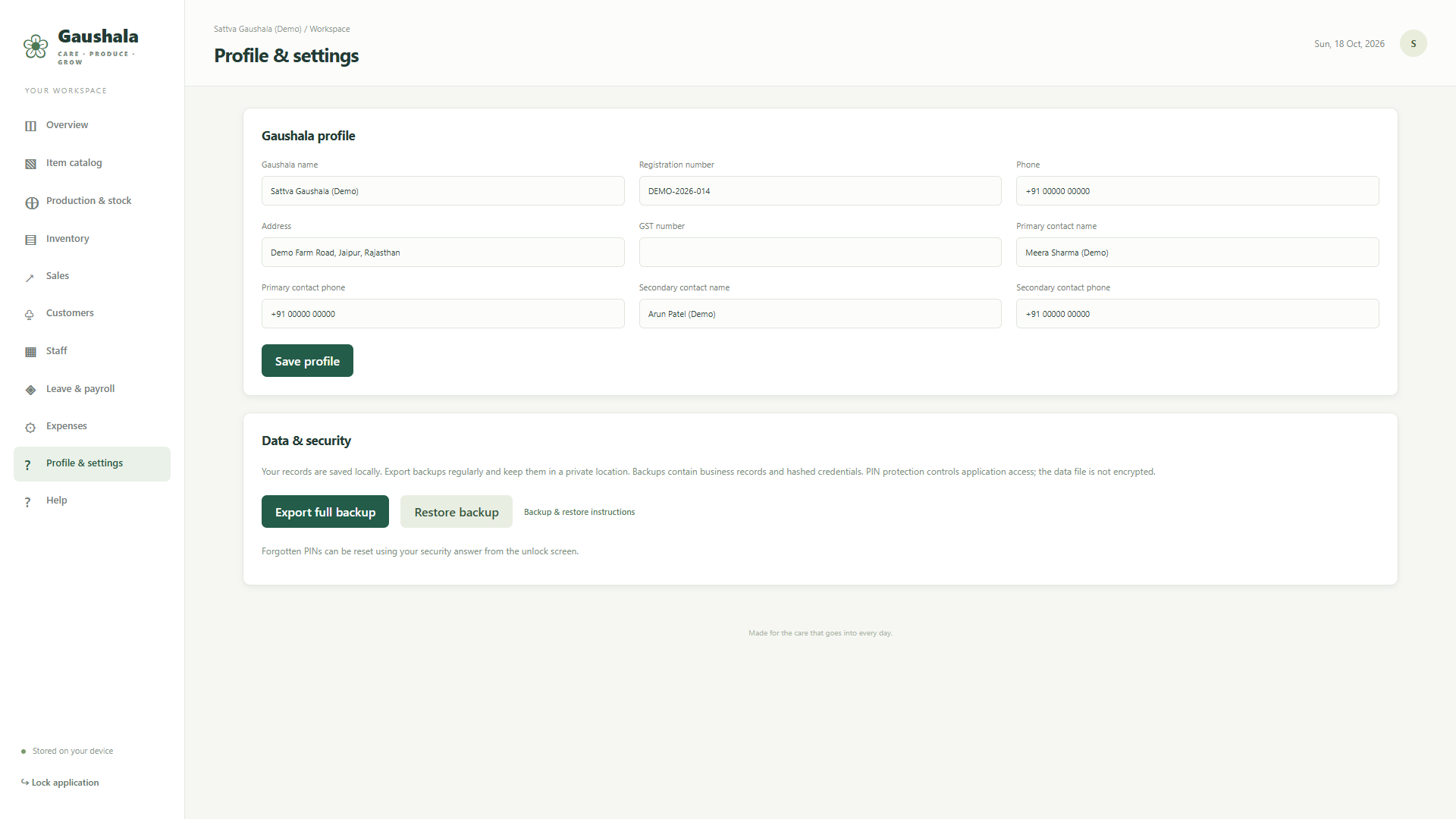
Export a complete backup and restore it on another PC. Profile, stock, sales, customers, staff photos and security settings move together. Instructions are built into Help.
Add original produce, its price and unit. Create linked package sizes separately.
Record dated quantities. Fill packets from loose stock whenever you need them.
Mix packets and loose quantities in the cart. Stock updates when the sale is recorded.
Record expenses and check produce, sales and estimated profit or loss in the dashboard.
Useful tools for records you need today and information you'll want to find tomorrow.
Download the feature listThe desktop application works offline and stores business records locally on your PC. You do not need a cloud account for daily work.
Yes. Create original items and separate package definitions. Add loose produce, then pack the quantity you need. Sales deduct loose stock or prepared packets as selected, with quantities up to two decimal places.
Yes. Save a sale receipt or inventory report as a PDF, then print it with your PDF viewer. Receipts include Gaushala details and customer details when supplied.
Export a full backup from Profile & settings, copy the JSON file to the other PC, and restore it in Gaushala. Help includes step-by-step instructions. Keep backups private; they are not encrypted.
The dashboard shows an estimate: sales less recorded expenses, packing charges and accrued salary. It does not value unsold stock or match inventory costs to sales. GST identifiers can appear on receipts; automatic GST calculation is not included.
Gaushala is available for Windows on the Microsoft Store.
Gaushala is available for Windows. Download it from the Microsoft Store.